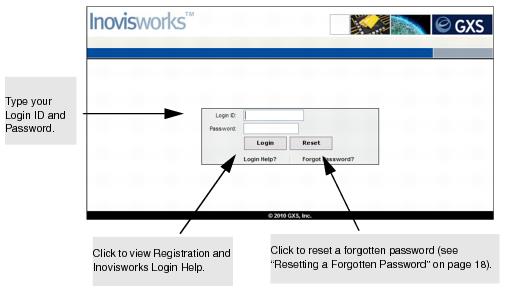
Use this procedure to login to Inovisworks after registration is complete.
To login to Inovisworks after registration is complete
|
1
|
|
2
|
Click Login.
|
The Inovisworks Home tab opens. For more information about using the Home tab, see “Using the Home Tab” on page 30.
You might find it useful to bookmark the Inovisworks login page.
 View or print a User Guide PDF